Idea-to-app map
Convert a rough product idea into a staged path: user story, screen flow, data model, AI prompts, code review, and deployment.
Learn the Datawhale-style Easy-Vibe approach in a hosted SaaS workspace: map the idea, practice with AI, understand the code, and reach a launch-ready checklist without drowning in setup.
Your next path
Build a paid SaaS demo from: A habit tracker that keeps people consistent
Focus: auth, payment, database, analytics, and launch copy.
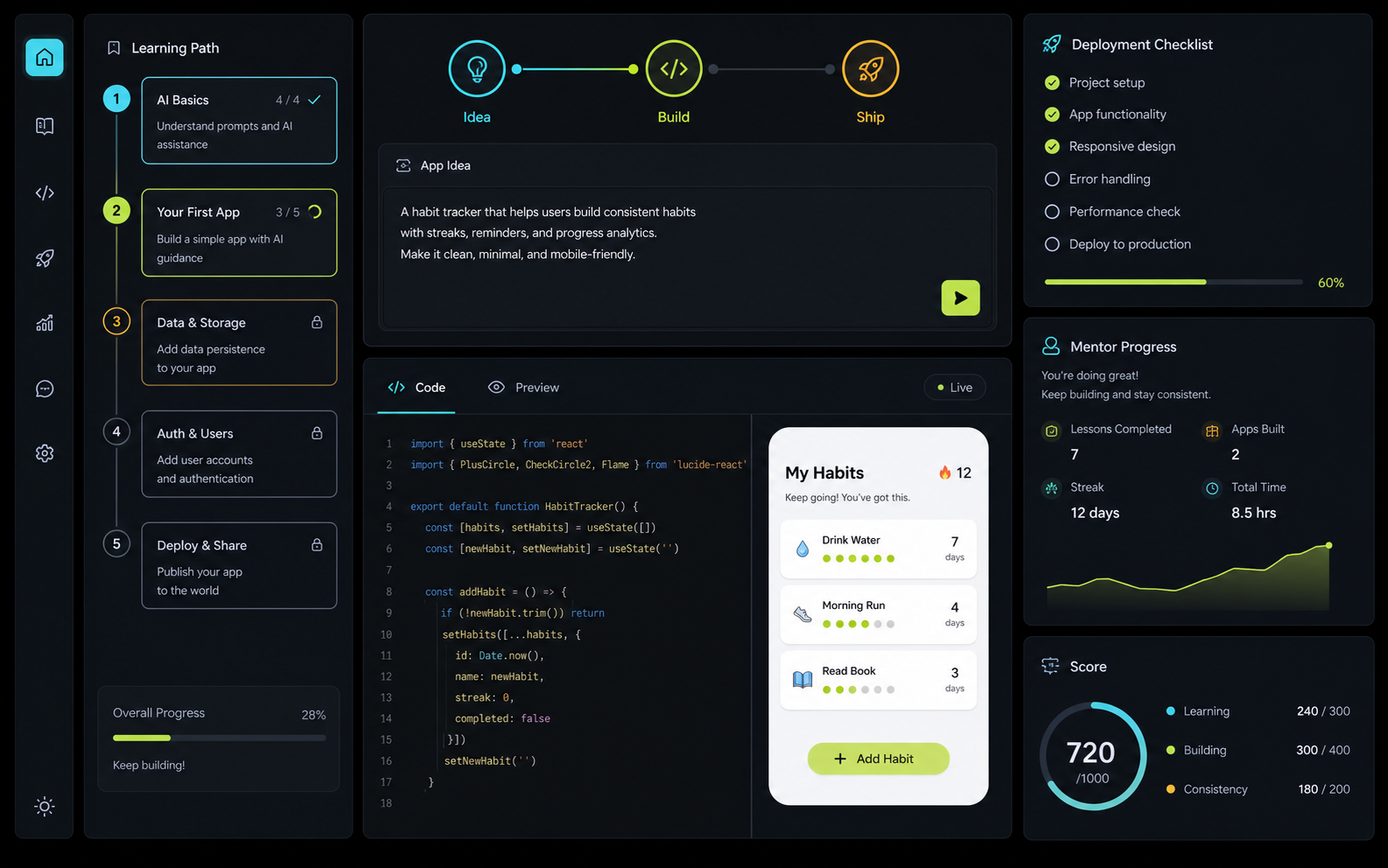
Learning system
Easy vibe coding works when the learner always knows what to ask, what changed, why it changed, and whether the app is closer to launch. The product keeps those decisions visible.
Convert a rough product idea into a staged path: user story, screen flow, data model, AI prompts, code review, and deployment.
Practice the workflow before touching production code: describe the change, inspect the generated code, test the result, and improve the prompt.
Learn what the AI is changing in plain English, with checkpoints for state, components, data, auth, and release safety.
Use a structured curriculum inspired by the public Easy-Vibe project while getting hosted SaaS convenience and checkout.
Move from tutorial mode to real shipping with domain, SEO, payment, privacy, monitoring, and deployment readiness prompts.
Get focused feedback on prompts, app scope, UX friction, and whether the next step should be refactor, test, or launch.
How it works
Write the app you want in normal language and pick a learning goal.
Easy Vibe turns the idea into lessons, code concepts, and a delivery checklist.
Practice vibe coding with prompt, code, preview, and review loops.
Use the launch checklist and Builder workspace to make the app public.
Conversion path
The first screen lets visitors shape a real app path before pricing appears. Builder annual stays selected, checkout opens in a centered Polar window, and the original page stays visible.
Review the app workflowPricing
Builder annual is selected first because most learners need enough time to build, revise, and ship. Annual billing is 50% cheaper than month-to-month.
Builder annual saves $294 in the first year.
First app path
For a solo learner who wants to understand vibe coding by shipping one small app.
Billed $114 yearly
Recommended workspace
The default plan for learners and makers who want repeatable practice, feedback, and launch support.
Billed $294 yearly
Classes and teams
For educators, bootcamps, and product teams turning vibe coding into a repeatable practice.
Billed $594 yearly
Trust
Public Easy-Vibe GitHub project by Datawhale is linked and explained.
Pay here, keep the workspace on the product domain, and use Polar checkout in a popup.
Conversion events, checkout starts, and page journeys are tracked through the site API.
No. Beginners use it to understand AI coding without setup pain, while product makers and developers use it to turn loose ideas into structured implementation paths.
The public Datawhale repository is an open learning resource. This site is a hosted SaaS workspace built around the same practical idea: make vibe coding easier to learn, repeat, and ship.
Learning to ship with AI usually needs more than one weekend. Annual Builder gives a longer runway and is 50% cheaper than monthly.